Historical field note: The example output below reflects a 2023 AWX Operator deployment on MicroK8s. It demonstrates a minimal single-node pattern, not a current production blueprint. Pin and validate current component versions against the AWX Operator documentation before reproducing it.
AWX turns a collection of Ansible playbooks into an operating service: centralized inventories, credentials, schedules, job templates, access controls, and execution history. Security teams can use it to orchestrate approved vulnerability remediation, configuration validation, evidence collection, and other repeatable work. That concentrates authority. Once other people or critical jobs depend on it, the controller itself needs lifecycle management.
AWX does not decide that a patch is safe or a control is effective. It makes an approved workflow repeatable and observable, which makes the platform’s own identity, state, upgrade, and recovery controls part of the security outcome.
The 2023 deployment used MicroK8s to examine that operating boundary in a compact environment. Getting the pods to run was the beginning; the useful work was identifying what the platform would require from its operator afterward.
Decide what this deployment is for
Before installation, define the boundary:
- Is this a non-production experiment, a shared engineering service, or production automation?
- Which credentials will AWX hold, and how will they be rotated?
- Where will PostgreSQL data and the AWX secret key be backed up?
- Who can launch privileged jobs or change inventories?
- How will the platform be patched without breaking the automation it controls?
MicroK8s can be a practical choice for a compact automation deployment. It is not, by itself, an answer to the availability, recovery, and support requirements that belong in an enterprise design.
Prepare the cluster
AWX is not a lightweight single-container utility. Give the cluster enough CPU, memory, and storage headroom for the operator, web and task services, PostgreSQL, and upgrade surges.
Enable the MicroK8s services the deployment needs:
microk8s status --wait-readymicrok8s enable dns hostpath-storage ingress rbac helmhostpath-storage is convenient for a single-node deployment. Its failure characteristics should be understood before treating the data as durable.
Install a pinned operator
The AWX Operator manages the lifecycle of the AWX custom resource. The community Helm chart can install that operator, but the version should be explicit and reviewed rather than silently following latest.
microk8s helm repo add awx-operator \  https://ansible-community.github.io/awx-operator-helm/microk8s helm repo updatemicrok8s helm search repo awx-operator/awx-operator --versions
microk8s helm install awx-operator awx-operator/awx-operator \  --namespace awx \  --create-namespace \  --version <reviewed-chart-version>
Confirm the operator is healthy before creating an AWX instance:
microk8s kubectl get pods --namespace awxmicrok8s kubectl logs \ --namespace awx \ deployment/awx-operator-controller-manager \ --container awx-managerCreate the AWX resource
For a minimal single-node deployment, a custom resource can expose AWX through a NodePort:
---apiVersion: awx.ansible.com/v1beta1kind: AWXmetadata: name: awx namespace: awxspec: service_type: nodeportApply it and watch the reconciliation:
microk8s kubectl apply --filename awx.yamlmicrok8s kubectl get pods --namespace awx --watchThe exact pod count is version-dependent. Readiness, stable restarts, persistent storage, and successful operator reconciliation are better checks than expecting a fixed number.
Retrieve the generated administrator password only from a protected terminal:
microk8s kubectl get secret awx-admin-password \ --namespace awx \ --output jsonpath='{.data.password}' \ | base64 --decodeprintf '\n'Rotate or replace bootstrap credentials, restrict network access, configure trusted TLS, and create named accounts with least privilege before adding sensitive inventories.
Lessons learned after installation
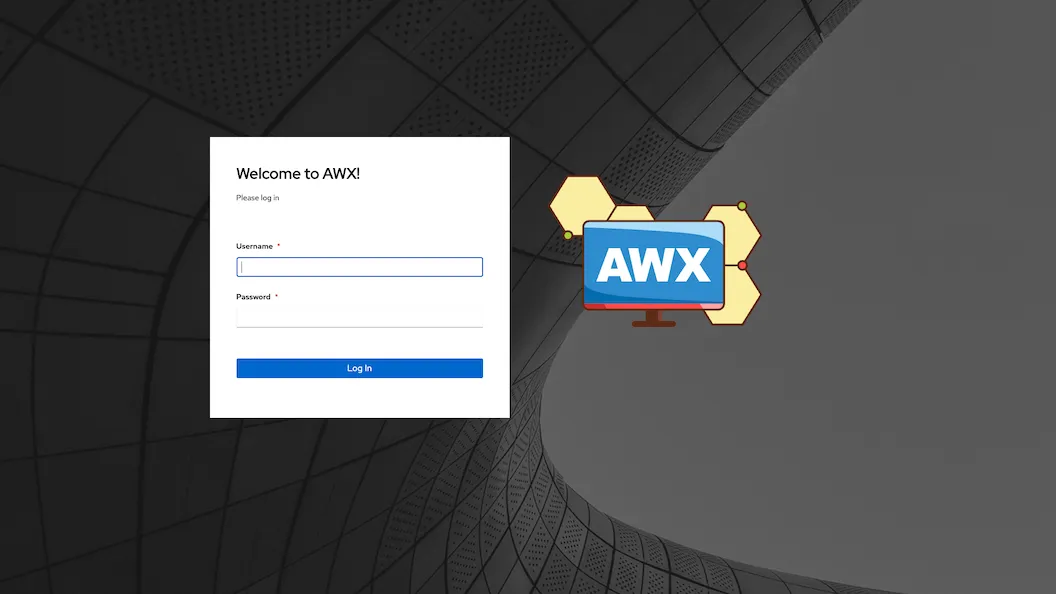
A successful login proves that Kubernetes created the service. It does not prove that AWX is ready to sit in the path of enterprise patching, vulnerability remediation, or other security automation.
Before relying on it, test:
- Backup and restore of the database and required secrets
- Recovery after a node reboot
- Credential access boundaries between teams and job templates
- A controlled operator and AWX upgrade
- A representative approved remediation or configuration-validation job under the intended permissions, with its evidence and failure handling intact
- Job isolation, logging, and notification
- How a compromised playbook or project source would be contained
Before other work relies on AWX, put names against identity, state, upgrades, and recovery. Restore the database and required secrets, reboot the node, review privileges, and run a representative approved security workflow as a non-administrator. The AWX upgrade runbook continues from there: the automation platform that runs patching and security work needs a tested lifecycle and recovery path of its own.